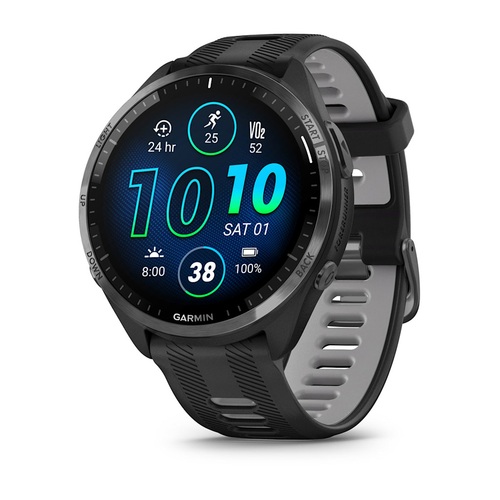
Garmin
Forerunner 965
Photo try-on available. Upload your wrist photo to begin.
A different perspective on your next watch
Add a wrist photo. Choose a model and case size. Preview the look.AI appearance preview, not a fit measurement.
Your wrist. A new perspective.
TryOnWatch uses AI to show how an available watch could look on your own wrist. Explore Garmin watches now, with Apple Watch, COROS, Suunto and Polar references being prepared. Compare the appearance, then check official dimensions and try the watch in person for fit.
Use your camera or upload a clear photo. Keep your wrist and hand visible in the guide.
Use the brand tags to browse watches, then choose an available model, case size and color.
Sign in with Google and review the credit and sharing choices before generating. Download the result if you want to keep it.
AI can change proportions, watch details and color. It cannot measure exact size, strap fit or comfort. Public sharing is optional for purchased credits; free credits require explicit review and sharing consent. Read how sharing works.
Explore by brand
Each product has its own page with case dimensions, reference status and a direct start link when photo try-on is available.
Watch brands
Upload your wrist photo to try an available Garmin watch. Apple Watch, COROS, Suunto and Polar product guides are also here; their photo try-ons are in preparation.
All brands · 78 models · 74 ready for photo try-on
Garmin
Photo try-on available. Upload your wrist photo to begin.
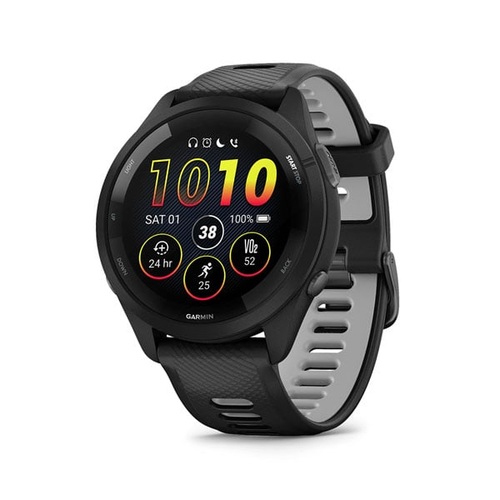
Garmin
Photo try-on available. Upload your wrist photo to begin.
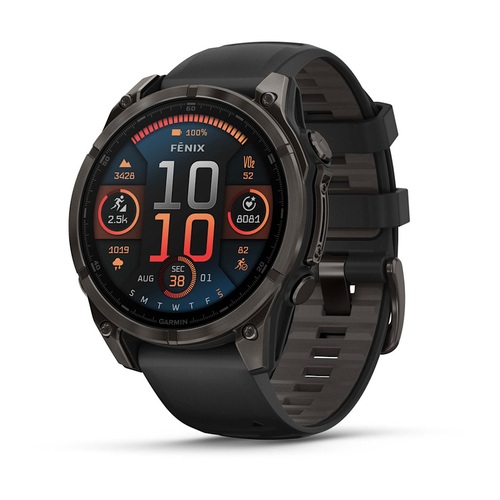
Garmin
Photo try-on available. Upload your wrist photo to begin.
Apple Watch
Product guide
Photo try-on coming soon
Apple Watch
Photo try-on unavailable while the reference is prepared.
COROS
Product guide
Photo try-on coming soon
COROS
Photo try-on unavailable while the reference is prepared.
Polar
Product guide
Photo try-on coming soon
Polar
Photo try-on unavailable while the reference is prepared.
Suunto
Product guide
Photo try-on coming soon
Suunto
Photo try-on unavailable while the reference is prepared.
Before you choose
Browse AI previews shared by the community in the Showcase.
Case dimensions, official band ranges and a practical wrist-measurement checklist.
Explore the guide Side by sideCompare the 45 mm and 41 mm options, from screen size to weight and rated battery life.
See the differences A smaller shortlistStart with three smaller cases, exact band ranges and a physical comfort checklist.
Narrow your options Know the editionStandard, Pro, inReach and Solar distinctions, with the regional Coming Soon status explained.
Read the series guide Standard AMOLEDThe same listed screen resolution, different case size, weight and battery ratings.
Compare standard sizes Original AMOLEDSeparate display size, material-specific weight and always-on battery ratings.
Compare Fenix 8 sizes A model in focusUnderstand the 47.2 mm case and what an AI appearance preview can—and cannot—show.
Check the 965 dimensions Screenless smart bandCompare its 27 × 47 × 9 mm body and two published wrist ranges.
See CIRQA sizing